Login: missing codes and SMS Fee prompts
Check connectivity first, then identify the code-delivery channel or SMS Fee prompt. Connection failures and Telegram verification requirements need different remedies.

Choose the client for your device, download it and get started.
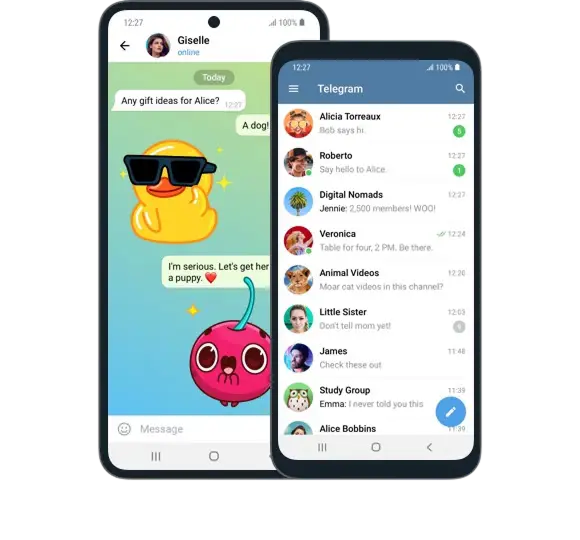
Download Telegram for your Android device here (including Huawei, Xiaomi, OPPO, Vivo, etc.). This version has fewer restrictions and updates automatically.

Pure instant messaging — simple, fast, secure, and synchronized across all your devices. One of the top five most downloaded apps worldwide, with over 9.5 billion active users. (Currently unavailable in China).
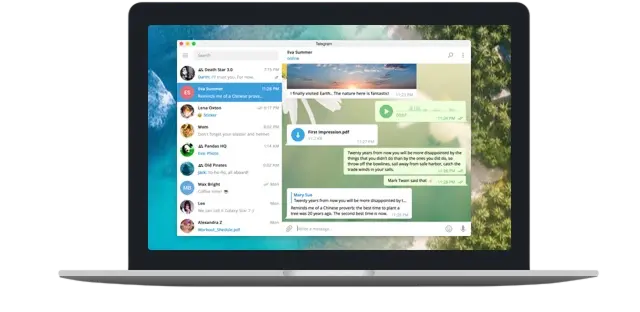
Fast and secure desktop application, fully synchronized with your phone. (Login verification code is sent to Plusgram on your phone, so log in on your phone first).
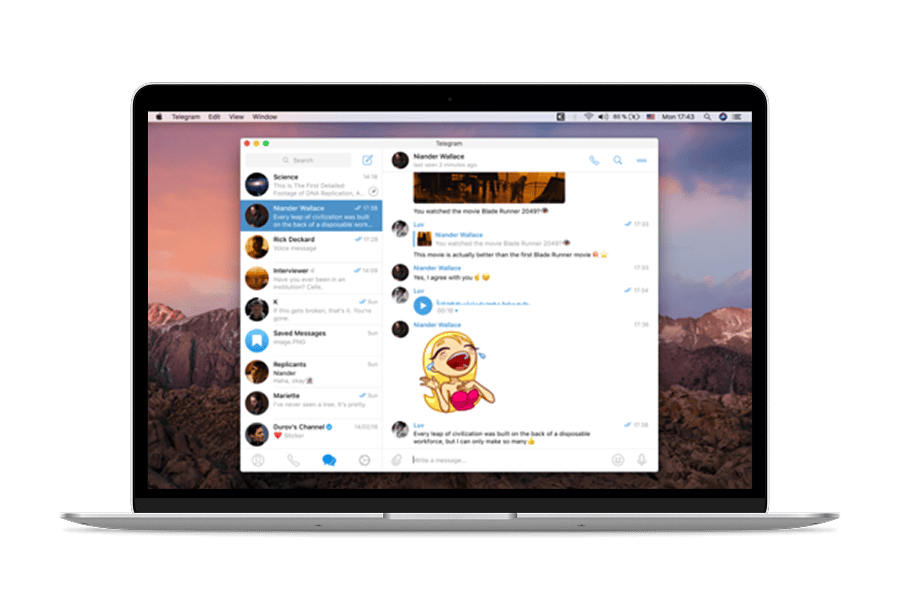
Licensed under GPL v2. Source code available on GitHub. (Currently unavailable in China).
Licensed under GPL v2. Source code available on GitHub.
Click to access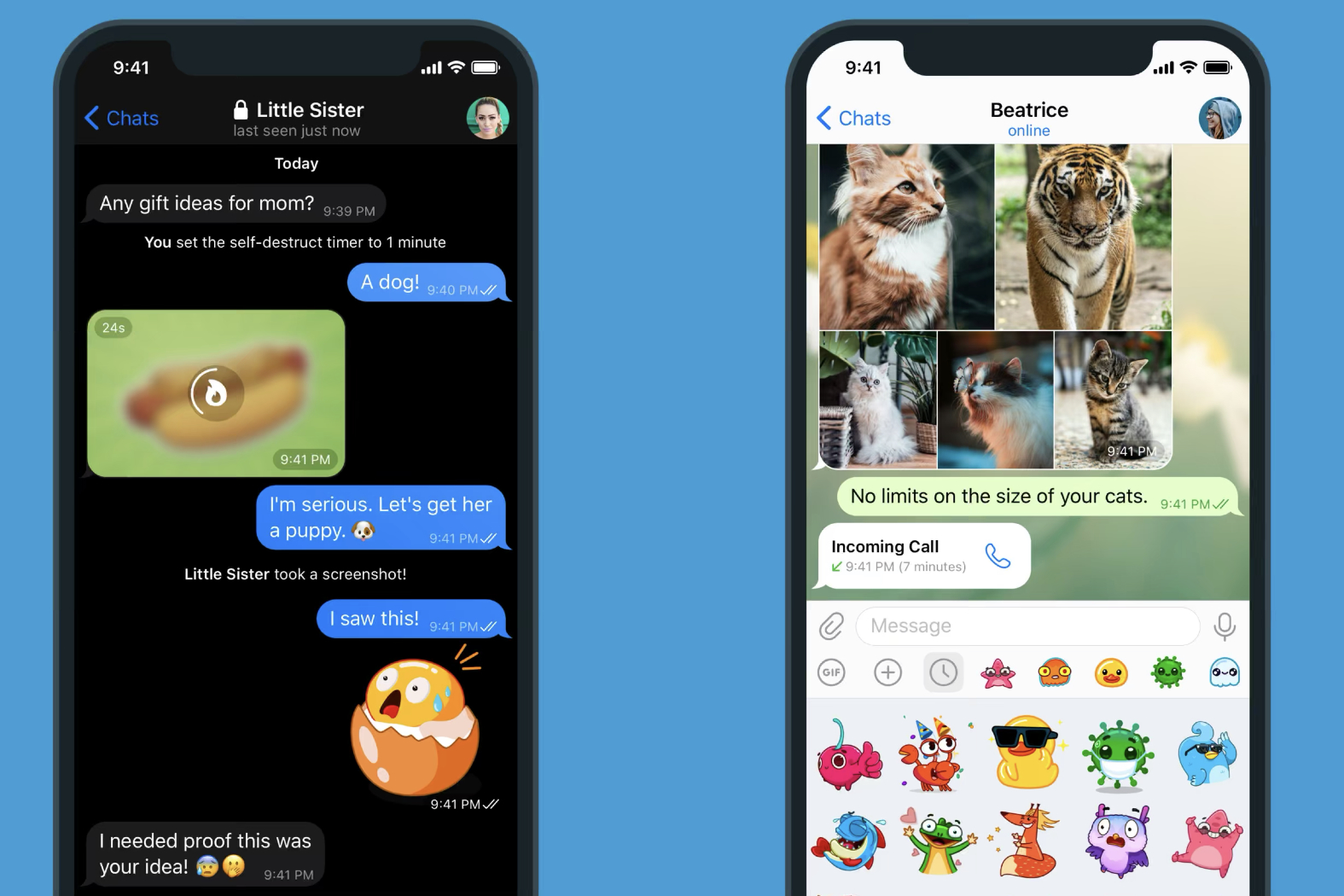
Plusgram is an app developed based on the Telegram API, supporting video and audio calls. Plusgram provides a secure and fast messaging experience and includes many useful and unique extra features.
'This app has changed my work and communication style. It's fast, reliable, and the support team is very helpful!' - Davied
Plusgram is a third-party client built on the Telegram API. Its Android and Windows clients include a proxy for connecting to Telegram. This guide covers missing login codes and SMS Fee prompts; Plusgram customer support can help assess account restrictions or bans and prepare an appeal.
Plusgram: Android · Windows
Telegram: iOS · macOS · Web
The home page includes entry points for Android, iPhone, Windows, macOS and Web. Mobile users can choose Android or iPhone, while desktop users can use Windows or macOS for synced messaging and file sharing. The web version is useful for temporary access and quick login across devices.
On Android, installation conflicts may mean an older Telegram package should be removed first. On desktop, login verification often depends on an already signed-in mobile device. If you run into questions about verification codes, login, sync or account status, the FAQ page has more detailed guidance.
If you already know which version you need, you can use the platform buttons above right away. If you want more help with installation details, common issues or recent feature updates, continue to the FAQ and blog pages for fuller explanations.
Plusgram combines a built-in proxy connection, login troubleshooting guidance and customer support for account restrictions so you can identify the issue and choose the appropriate next step.
Check connectivity first, then identify the code-delivery channel or SMS Fee prompt. Connection failures and Telegram verification requirements need different remedies.
Plusgram includes a proxy in its Android and Windows clients to help connect to Telegram. These are separate products from the official iOS, macOS and Web clients.
Plusgram customer support can help assess the account issue, organize the reported errors and prepare appeal information. Telegram decides the appeal and restriction outcome.